
Sprite Dripper
Have you ever had a sprite source image that was almost ready, but still felt too rough to use as-is?
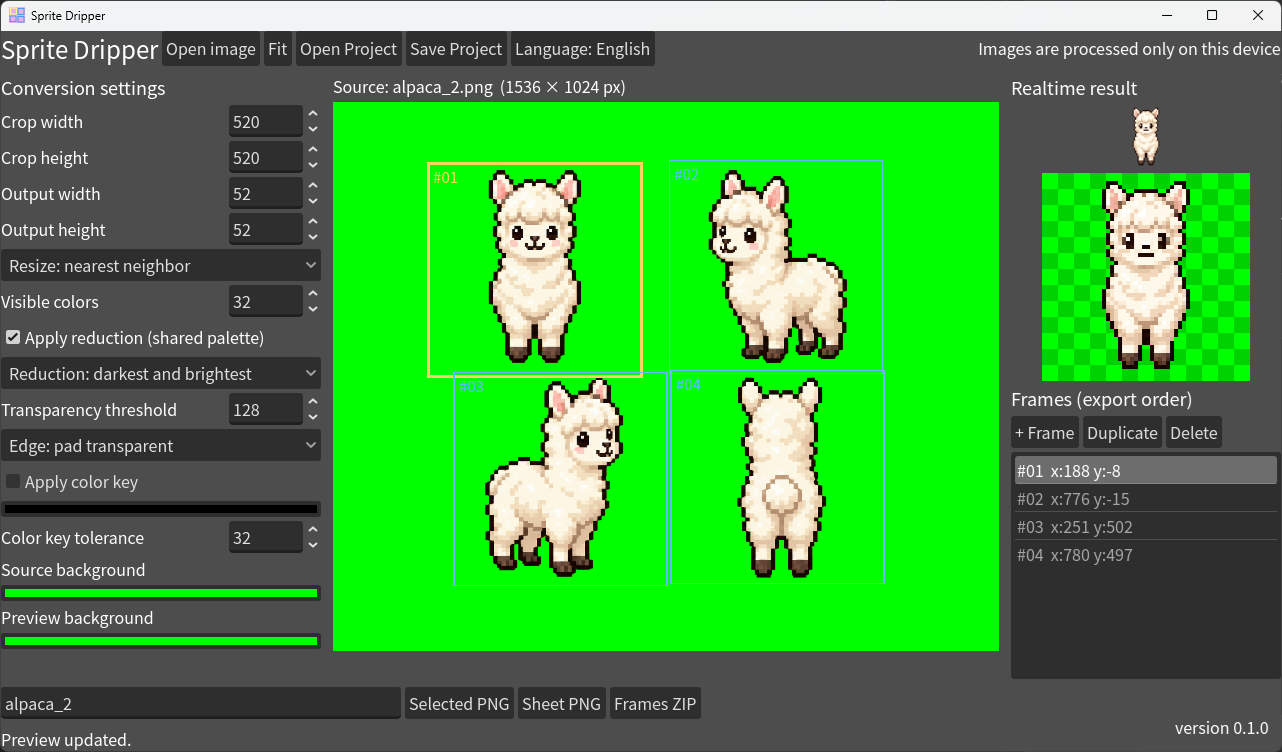
Sprite Dripper lets you crop any part of an image and turn it into a compact sprite for games.
Place multiple frames on your source image and adjust them until they look right. The app shows the resized, color-reduced result in real time, making it easy to prepare character animations, items, effects, and other assets with a consistent look.
Features
- Import PNG, JPEG, and WebP images.
- Add, duplicate, delete, and position frames by dragging or with WASD.
- Adjust crop size, output size, resize method, color key, and transparency threshold.
- Choose between median-cut color reduction and a mode that preserves the darkest and brightest colors.
- Preview the converted sprite in real time.
- Export the selected frame as a PNG, all frames as a horizontal sprite sheet, or individual PNGs in a ZIP file.
How to Use
- Choose a source image with Open image.
- Move frames on the canvas and add more with + Frame when needed.
- Adjust the conversion settings and check the live preview.
- Export your work as Selected PNG, Sheet PNG, or Frames ZIP.
Frames are placed in the sprite sheet from left to right in the same order as the Frames list. To use the sheet in Godot, set the hframes value of a Sprite2D node to the number of frames.
Privacy
The web version processes your images entirely in your browser. Nothing is uploaded to an external server.
Projects
The desktop version also lets you save and load projects.
Screenshots

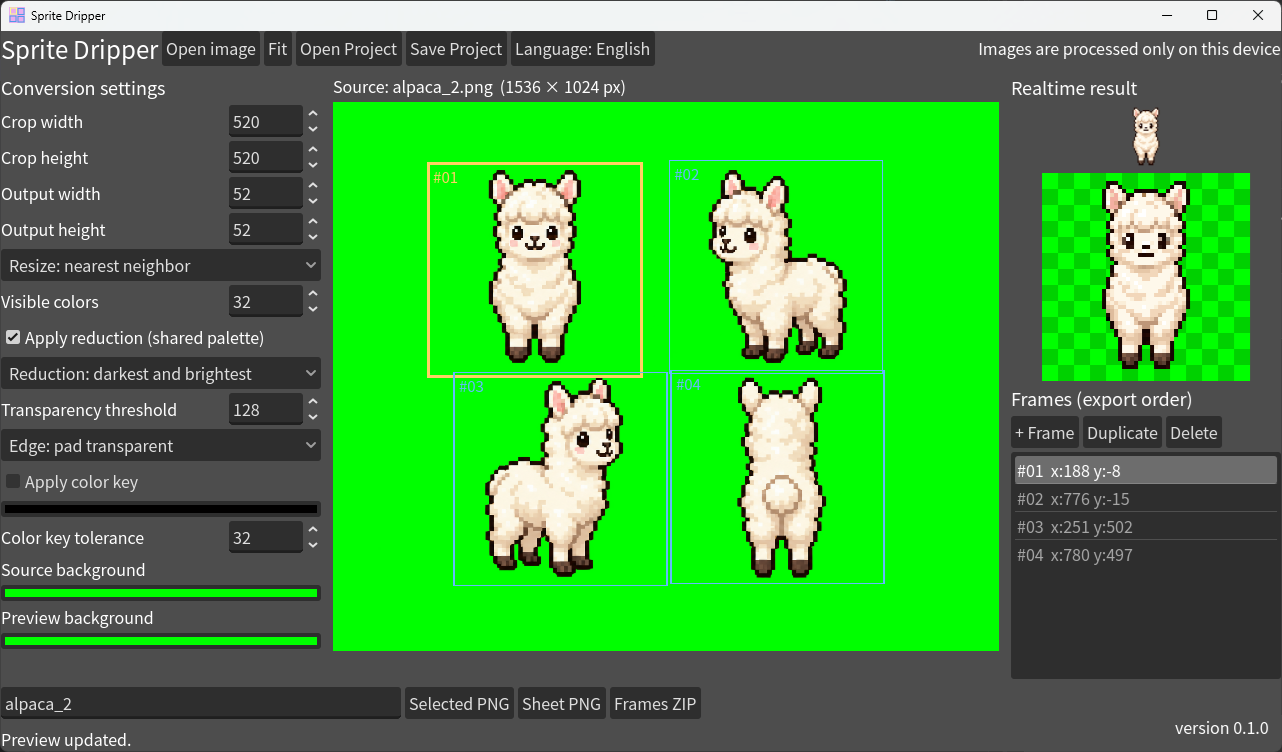
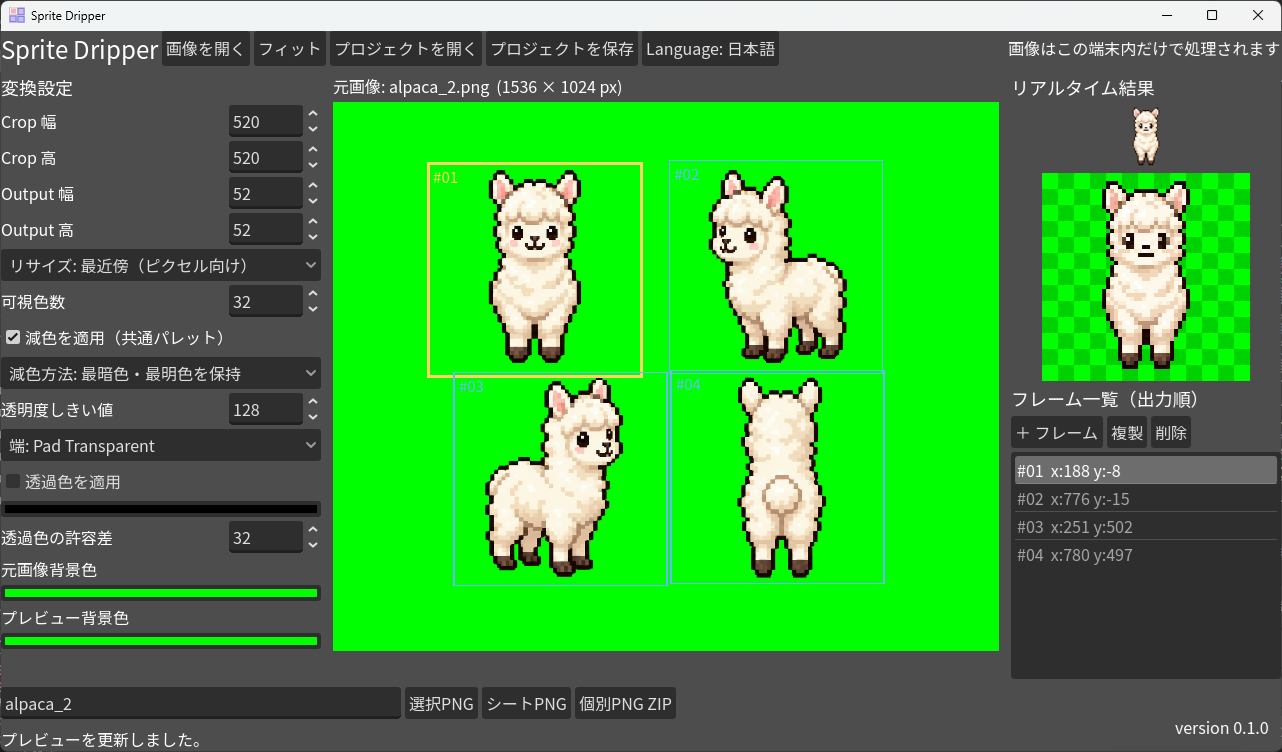
Language
English, Japanese(日本語をサポートしています!)
Reference: ecommended Scales
Based on my experience using the tool, I recommend either 520×520 px → 52×52 px (a 1/10 scale) or 512×512 px → 64×64 px (a 1/8 scale). Exporting with either of these settings should produce more consistent, polished results.
Of course, feel free to adjust the settings however you like when your image does not fit within these dimensions.
Download
Click download now to get access to the following files:
Development log
- Sprite Dripper v0.1.0 Launched4 days ago
Leave a comment
Log in with itch.io to leave a comment.